Six open-source pipelines that run inside the AI agent you already use. Feed in a video, a voice note, or an episode script — get back a teacher's guide, ready homework, or a finished lesson in Edvibe.
One 3-minute video becomes Thursday's B2 lesson in your Edvibe course. The same job, done twice — first by hand, then with Prism. (Times are illustrative.)
The job: one video → a full lesson, ready for Thursday
Manual prep≈ 1 h 45 m
19:20
Open the video. Watch it with a notepad, then rewind the parts worth quoting.
19:45
Pull the vocabulary by hand and second-guess the level.
20:10
Write four exercises, then add two more so the homework isn't thin.
20:40
Format all of it so it pastes into Edvibe without breaking.
21:05
Notice the answer key is still sitting in the student copy. Fix it.
With Prism≈ 10 m
19:20
Paste the video link and the level: “B2 guide, four plus two, under 15 minutes.”
19:23
Read the guide. Drop one exercise that is off for this group.
19:27
Paste it into Edvibe and check the answer key is separate.
19:30
Done. Ten minutes, start to finish.
105 minutes became 10 — and the guide at the end is the guide you would have written.
In plain words
You don't learn a new tool.
Prism is a set of recipes for the AI assistant you already talk to — Claude, Codex, Hermes, Cursor. You send one message. It does the prep.
One command to add
You install it once with a single line. After that there is nothing new to open or learn — you just describe the lesson you want, in words.
Free, and it runs locally
Open source (MIT), no subscription, no server. Your Edvibe login and your students' work stay on your computer — nothing is shared between teachers.
Never a generic template
Every artifact is built for one student at one level, with vocabulary taken from the real source. The level never drifts without you asking.
What it makes
Not demos. A Tuesday's real output.
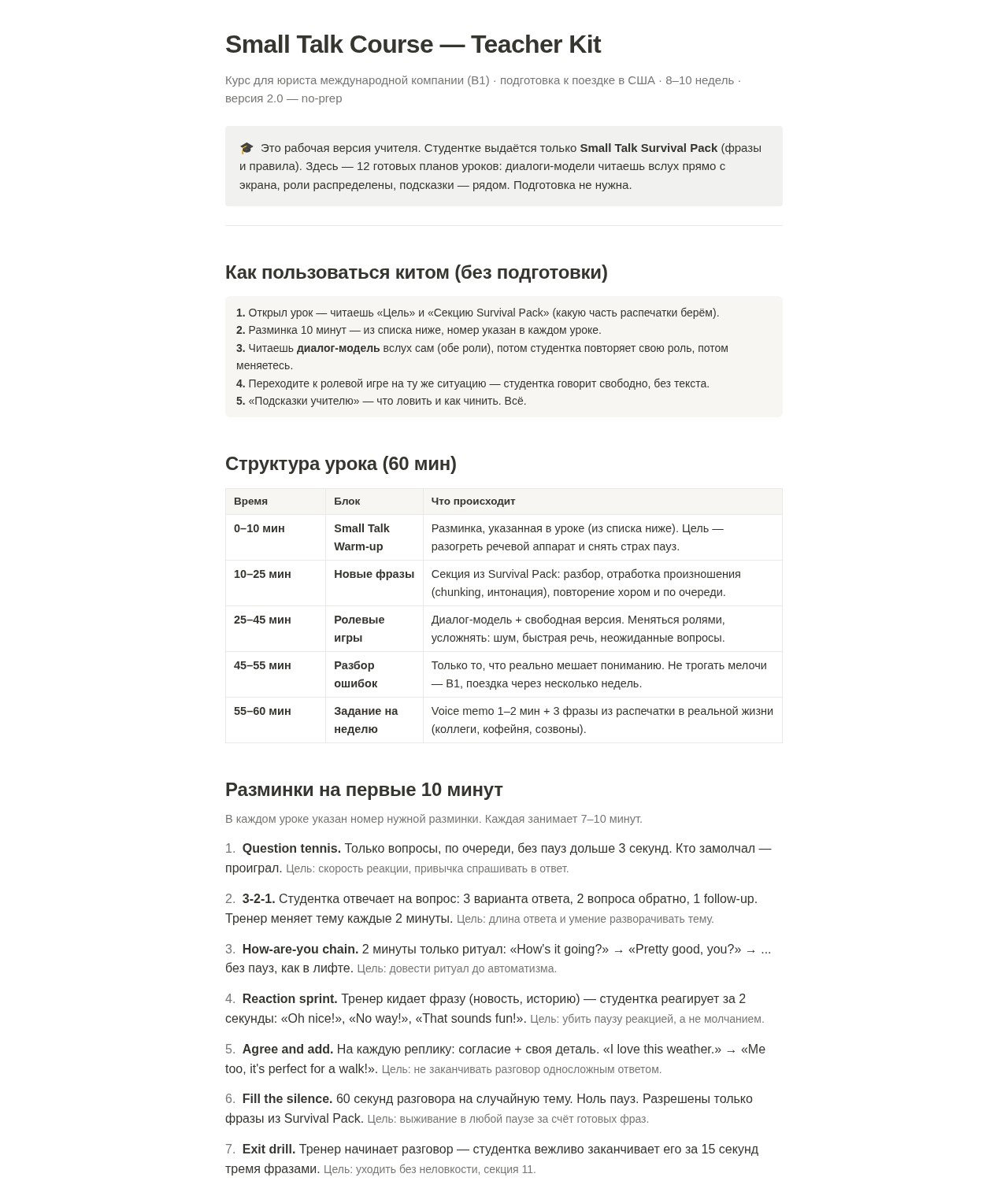
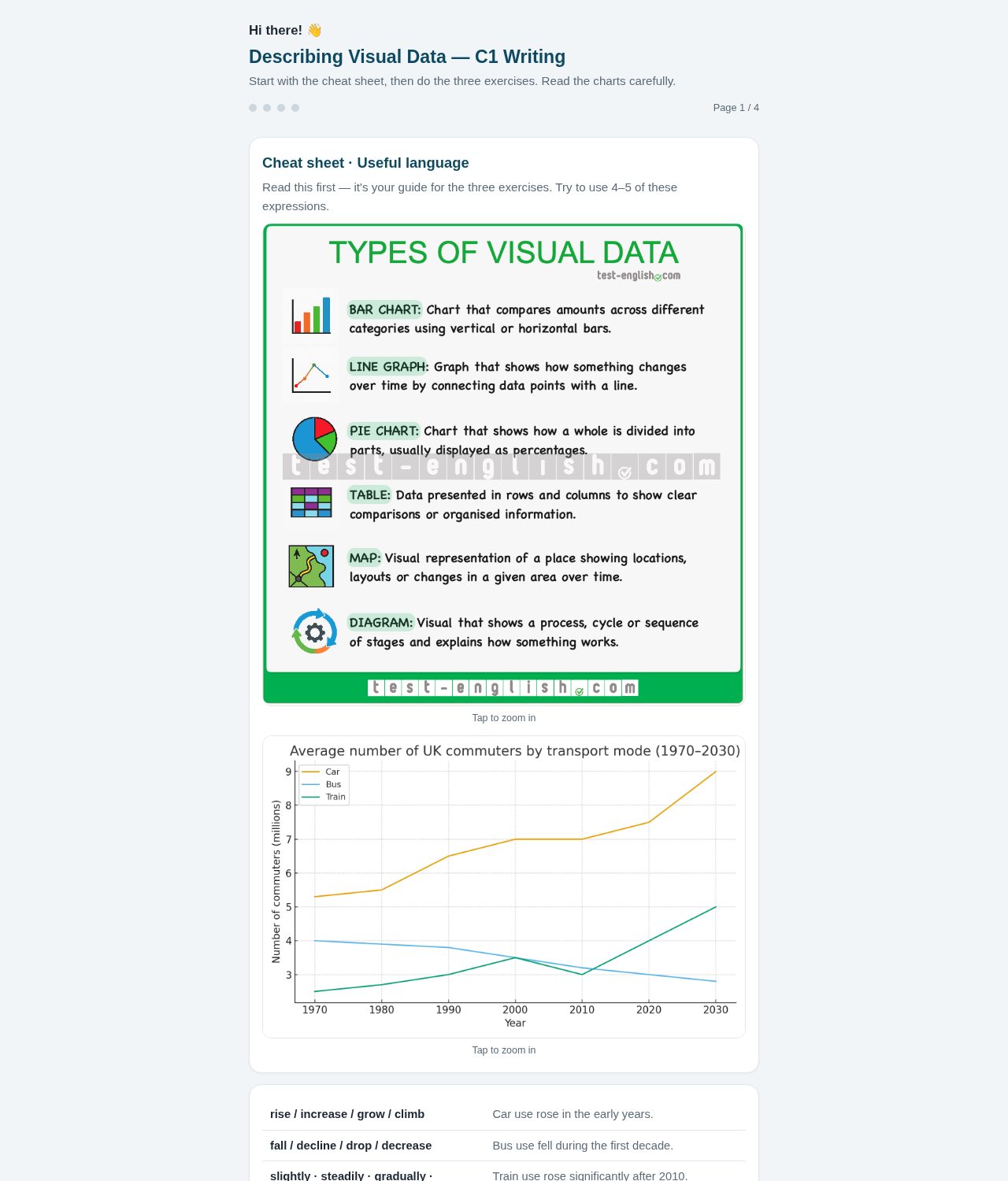
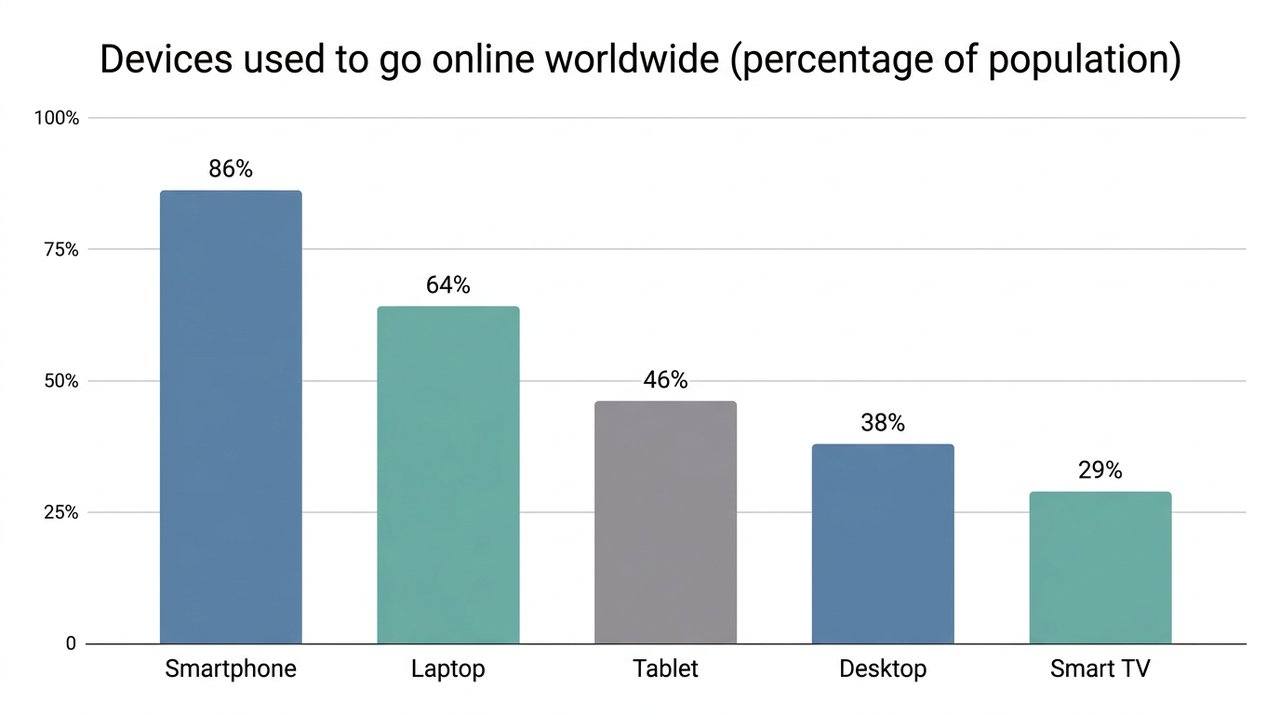
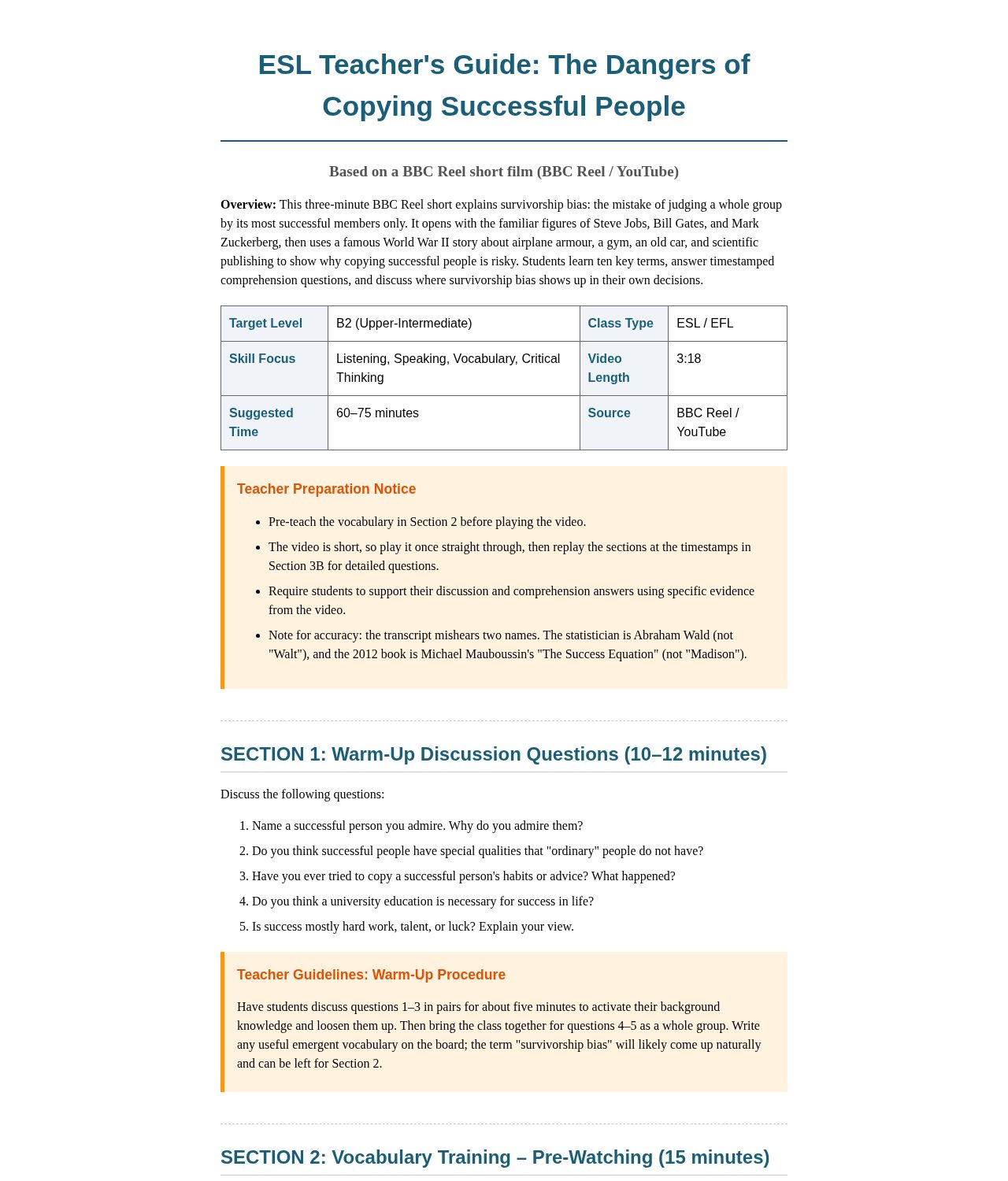
Every artifact below came out of these pipelines — from a real video, a real voice note, a real student. Open any of them; the full examples ship with the suite.
Lesson guide
From a 3-minute video — vocabulary, comprehension with timestamps, warm-up, discussion, keys.
All six pipelines run the same three steps — and none of them writes a word before the source is in hand.
1
Extract
The pipeline pulls the raw material first: a transcript, a voice note, a script, the text of an exercise. Nothing gets written until the source is in hand.
transcript · script · audio → structured source
2
Generate
A fixed structure plus level-aware prompts build the artifact in your house style: vocabulary taken from the source, the same exercise layout every time. Quoted lines get checked against the source before anything ships.
source + level contract → your house style
3
Deliver
It ships as a file you can paste, a summary you can send, or a lesson written straight into your own Edvibe account through a local CLI.
artifact → Edvibe · Notion · your student
edvibe-teacher · building one lesson
A stylized peek at the build step: the real command validates a small lesson spec in a dry run, then builds the lesson section by section inside your own account.
Nothing in the middle. Everything runs on your own machine, under your own Edvibe login. The password is typed once, in your terminal, and never leaves it; the session stays cached on your computer, and nothing is shared between teachers. Quoted lines are checked against the source programmatically — nothing reaches a student before you have read it.
6Pipelines in the suite
3Skills, installed in one command
70+AI agents the skills install into
0Servers between you and your students
Install
Two prerequisites. One line.
Node 18+ and Python 3.9+ on Linux or macOS. Nothing else. No account, no server.
Node 18+ and Python 3.9+. Run node -v and you are half done.
2
Run the one-liner
Installs all three skills into every agent it detects. Add -a hermes-agent, -a claude-code or -a codex to target one.
3
Connect Edvibe
Ask your agent to “connect Edvibe”. It installs the local CLI, walks you through a one-time login, then lessons build straight from chat.
In a hurry? Paste this into your agent. It reads the install guide, sets everything up, and tells you when it is ready.
Install the skills from https://github.com/itsfedor/esl-automation-suite — read and follow INSTALL.md.
Hermes AgentClaude CodeCodex CLICursoragentskills.io · 70+ more
Questions
Fair questions, straight answers.
What does it cost, and what do I need to run it?
Nothing, and not much. The suite is MIT licensed with no paid tier. You need Node 18+ and Python 3.9+ on Linux or macOS, plus an AI agent that reads SKILL.md files.
Is my Edvibe password safe?
You type it yourself, once, in your own terminal, and it is never stored. The session token stays in a file on your machine, and the CLI talks to Edvibe from your computer — not through anyone's server.
Will it break when Edvibe changes?
It can. The CLI talks to an undocumented API surface, so an Edvibe update may break it. The skill documents the recovery steps, and the code is open, so fixes land in the repo.
Do I need prompt engineering skills?
No. You describe the lesson in plain words, like “Present Perfect for a 7th grader,” and the skill carries the structure. Read the output the way you would read any draft.
Which agent do I need?
Any agent that reads agentskills.io SKILL.md files: Hermes Agent, Claude Code, Codex CLI, Cursor, and 70+ more. The default install targets every detected agent; add a flag to pick one.
Can I use it with students at any level?
From A1 through C1. Exercises are written for one student from their level, interests and weak spots, and the level never goes up without you asking.
Free · Open source · MIT
Install the suite. Build tonight's lesson.
Two commands and one login. MIT licensed, and it runs on your machine.
 Open the full guide